Overview
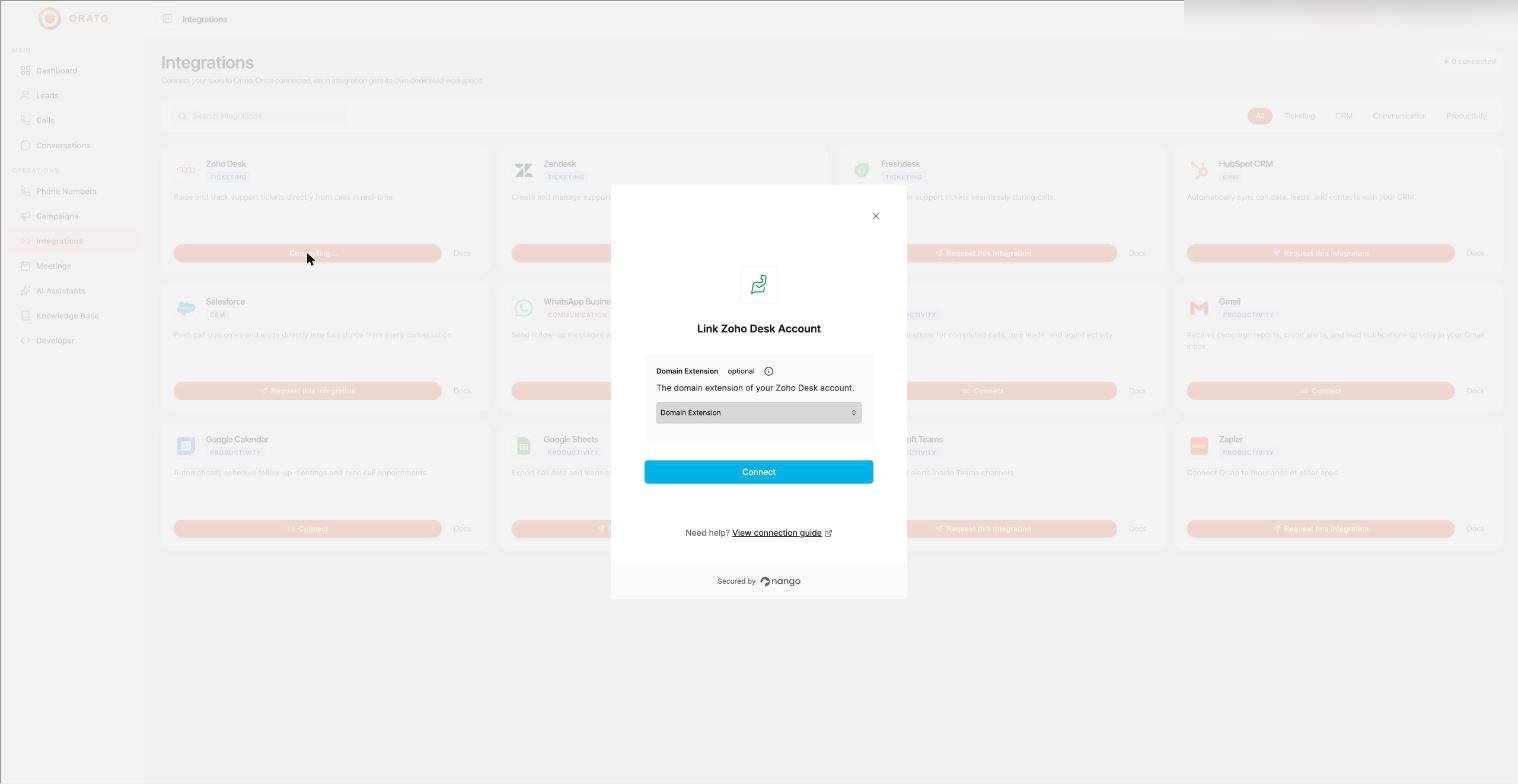
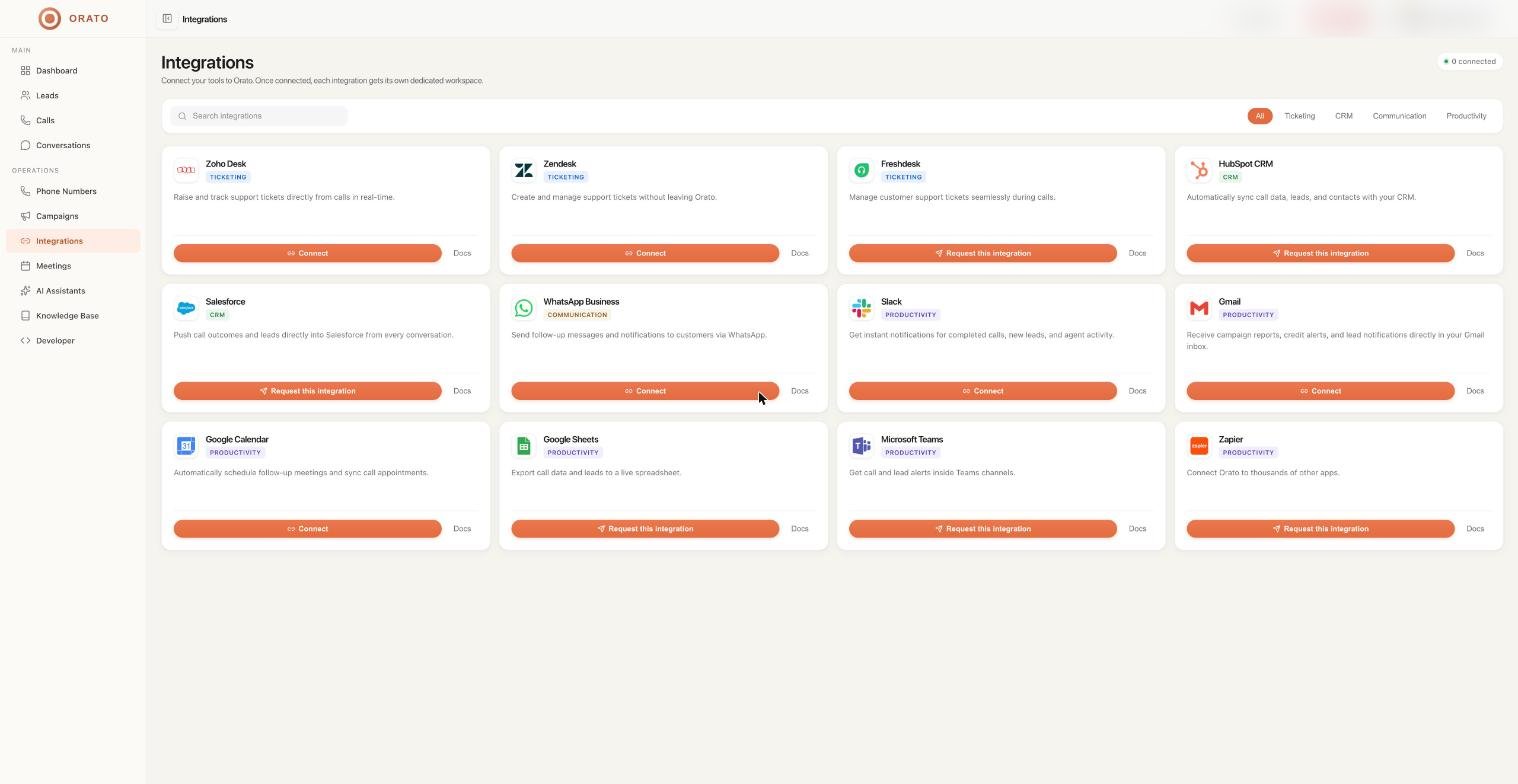
Orato connects with external tools so your AI Assistant can do more than just talk. It can check calendar availability, book meetings, push data to your CRM, and trigger workflows in automation tools — all during a live call.Calendar integrations
Connect your calendar so your AI Assistant can check availability and book meetings during conversations — without any manual work on your end.Connect your calendar
Click Connect Calendar and authorise Orato to access your Google Calendar or Outlook account.
Google Calendar
Connect your Google Calendar for automatic availability checking and meeting booking
Microsoft Outlook
Connect Outlook Calendar to sync meetings booked during calls
CRM and data integrations
After every call, Orato logs the transcript, outcome, and contact details. Use webhooks to push this data into your CRM or any other system automatically.Set up a webhook
In your AI Assistant’s configuration, go to the analytics or settings section and add a webhook URL — the endpoint in your system that should receive call data.
Orato sends a payload after every call
When a call ends, Orato sends a POST request to your webhook URL with the call details, transcript, outcome, and any extracted data.
Automation platforms
Connect Orato to automation tools to build workflows around your calls — trigger a call when a form is submitted, update a spreadsheet when a lead qualifies, or send a Slack message when a meeting is booked.Zapier
Use Orato triggers and actions in Zapier workflows — no code required
Make (formerly Integromat)
Build automated scenarios in Make that react to Orato call events
Zapier and Make integrations connect through webhooks and the Orato API. Set up a webhook in your assistant configuration and use it as a trigger in your automation tool.
Web Widget
The Orato Web Widget is itself an integration — embed it on any website to add a live voice assistant to your pages with a single script tag.Widget Integration →
Full setup guide for embedding the Orato Web Widget on your website
Where to go next
Meetings
See how automatic meeting booking works
API Reference
Build custom integrations using the Orato API
Developer — API Keys
Get your API key for integrations
AI Assistants
Configure your assistant to use integrations during calls