What are AI Assistants?

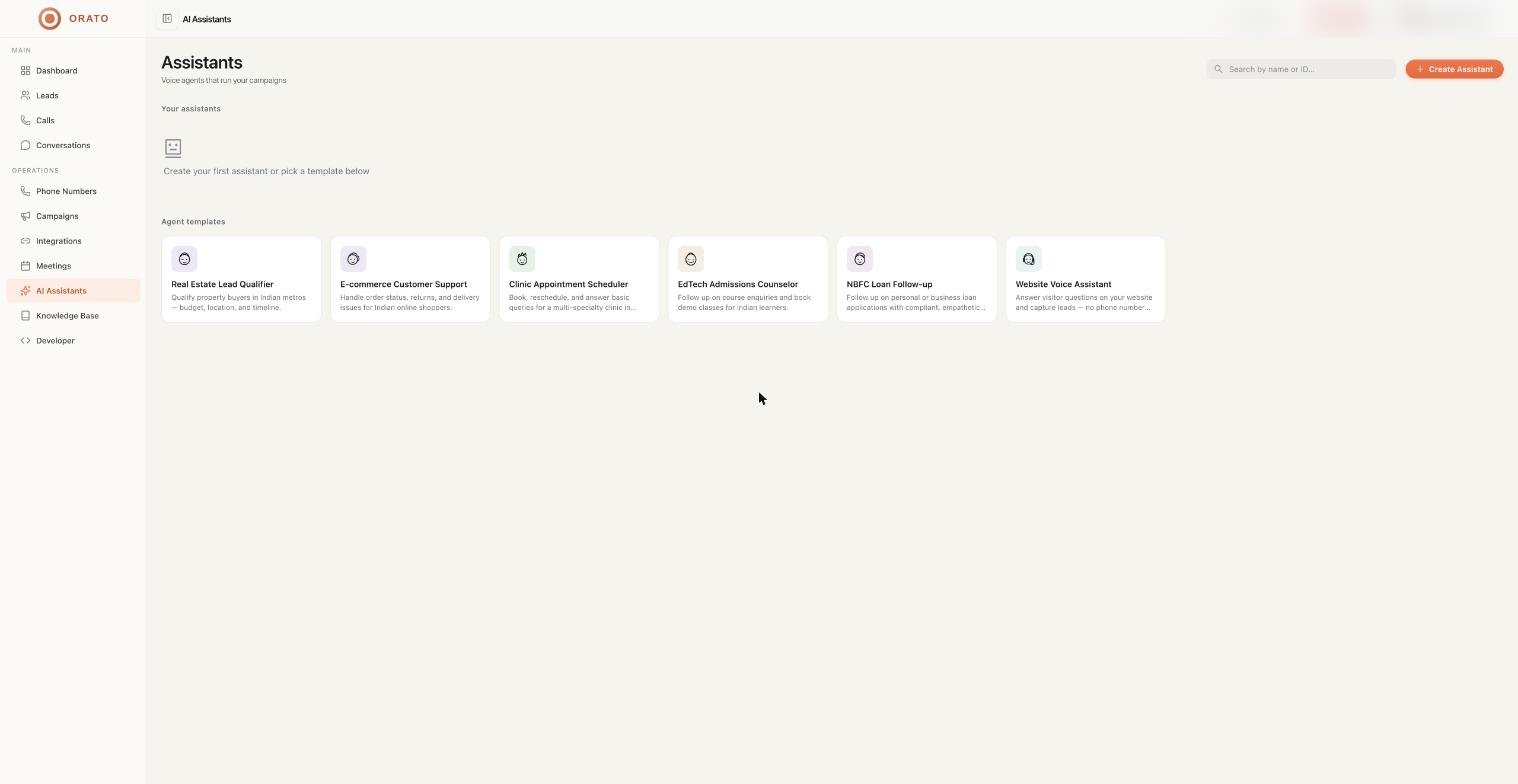
AI Assistants are the core of Orato. Each assistant is a fully configured voice AI that can make phone calls, receive inbound calls, or be embedded as a voice widget on your website. You configure an assistant once and it handles unlimited simultaneous conversations. Every assistant shows an estimated cost per minute - typically ~0.080.08 -0.09/min - covering Transcriber, LLM, Voice, Telephony, and Platform costs.
AI Assistant

Creating an AI Assistant

From the AI Assistants page, click + Create Assistant. The creation flow has three steps.

Step 1 - Setup: Name & Instructions

Create Assistant
1

Enter a name and select a role

Give your assistant a name (this is what callers may hear) and choose a Role:
  • Web Widget - embeds on your website as a floating voice button
  • Phone - used for inbound or outbound phone calls
2

Use the AI Instruction Generator

Fill in two fields to auto-generate your instructions:
  1. “What does your business do?” - e.g. We sell CRM software for real estate agents
  2. “Call goal?” - e.g. Qualify leads and book product demos
Click Generate Instructions:  Orato writes a structured prompt for you instantly.
The generator creates a professional format with # IDENTITY, # CRITICAL RULE: VOICE-FIRST RESPONSES, and your custom context. Edit any section directly in the text area.
3

Review and refine the instructions

The generated prompt enforces voice-first rules automatically:
# IDENTITY
You are [Name], an AI Voice Assistant for [Company].
You're warm, professional, and concise.

# CRITICAL RULE: VOICE-FIRST RESPONSES
Every response must be 1-2 sentences maximum.
Never use bullet points, asterisks, or emojis.
Sound like a confident, helpful human.
Keep responses short. Voice replies over 2–3 sentences sound unnatural on a real phone call.

Step 2 - Personality: Voice & Messages

Name Assistant
1

Choose your AI Brain (LLM)

Select the language model that powers your assistant’s responses:
Claude models: nuanced, high-quality responses. Best for complex conversations that need careful reasoning.
2

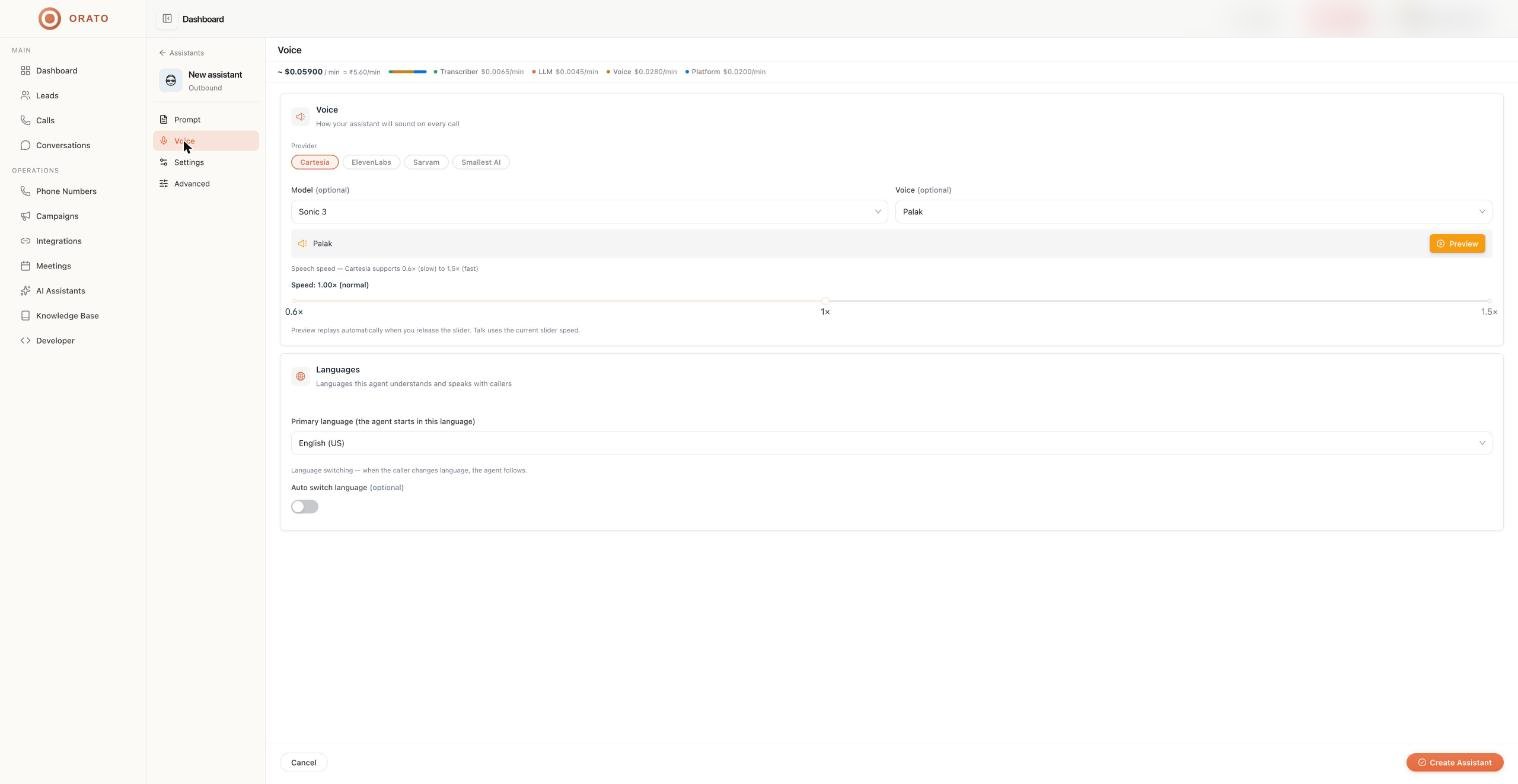
Choose your Voice

Select how your assistant sounds on every call:
sonic-2 and other models: low latency, natural voices. Recommended for most use cases. Click Preview to hear before selecting.
3

Set Opening and Closing Messages

SettingDescription
Opening:  I’ll write itWrite a specific greeting, e.g. “Hi, this is Arya from Orato, how can I help?”
Opening: AI generates itOrato crafts a natural opening based on caller name and context
Session End MessageSpoken when the conversation closes, e.g. “Thanks for your time”

Step 3 - Review: Confirm & Launch

Review Assistant
Review your complete configuration before saving:
FieldWhat to check
Name & RoleCorrect name and deployment type
VoiceRight voice for your target audience
AI ModelCorrect LLM provider and model
OpeningWritten or AI Generated
ClosingSession end message is set
Knowledge BaseAttach documents if your assistant needs to answer specific questions
Click Update Assistant to save. Your assistant is active immediately.
Click Talk (top right of the Edit page) to test your assistant live in the browser before deploying to real calls.

Managing your assistants

The AI Assistants page shows live stats across all your assistants:
StatMeaning
TotalAll assistants in your account
ActiveCurrently active and taking conversations
OutboundConfigured for outbound calling campaigns
InboundConfigured to receive incoming calls

Next steps

Knowledge Base

Upload documents your assistant can reference during calls

Campaigns

Use your assistant in an outbound calling campaign

Phone Numbers

Buy a number to use your assistant for inbound calls

Developer

Embed your assistant on your website via the Web Widget