Overview

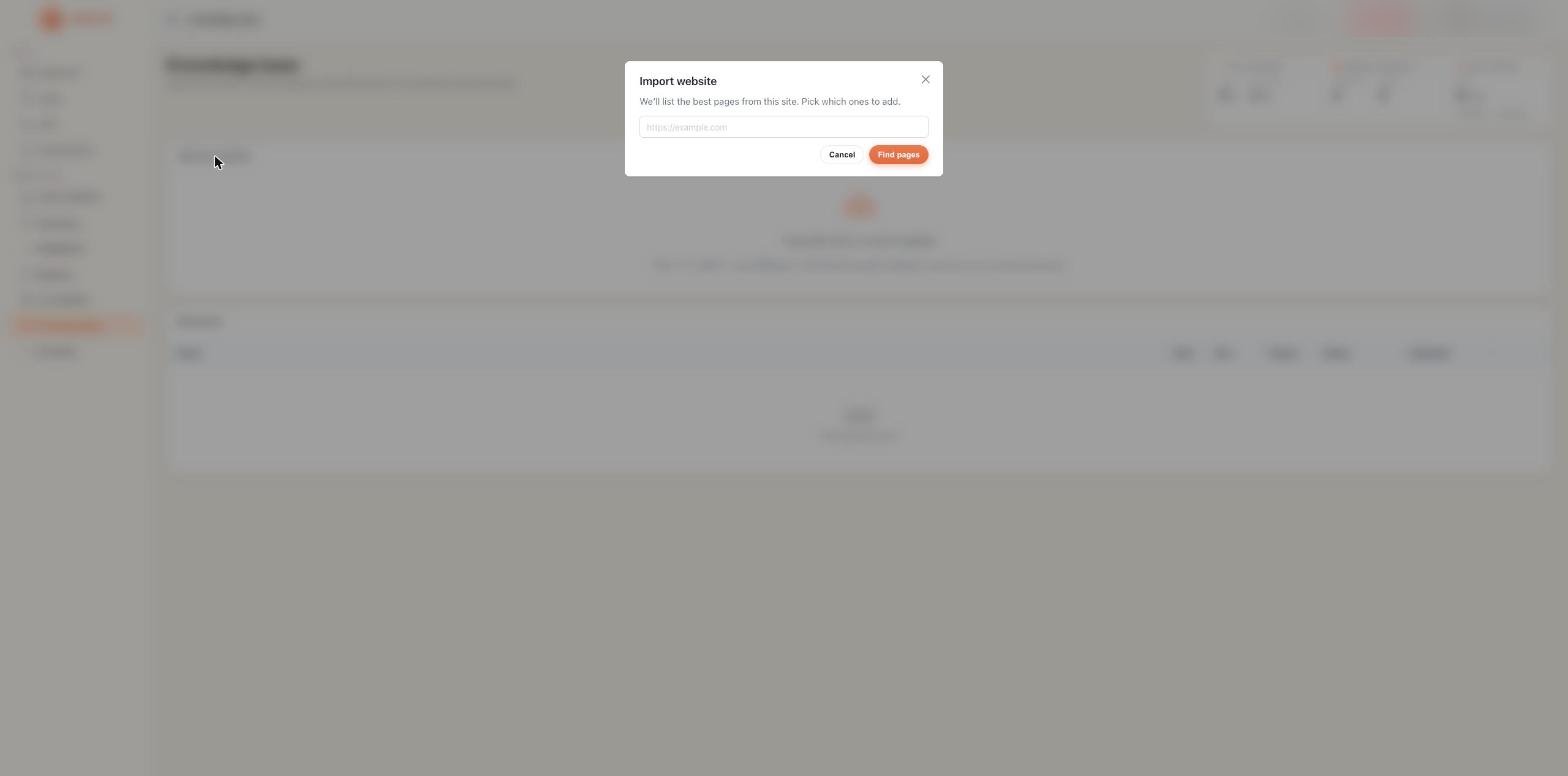
The Knowledge Base is a library of documents your AI Assistants can search and reference during live conversations. When a caller asks a question your assistant can’t answer from its instructions alone, it looks up the relevant information in your uploaded documents and uses it in its response.
Knowledge Base

Supported file types

PDF

Product docs, brochures, pricing sheets, compliance policies up to 10MB

TXT

Plain text FAQs, scripts, call guides, response templates up to 10MB

DOCX

Word documents, SOPs, training material, company policies up to 10MB
The maximum file size is 10MB per document. If your file is larger, split it into smaller, focused sections before uploading.

Uploading a document

1

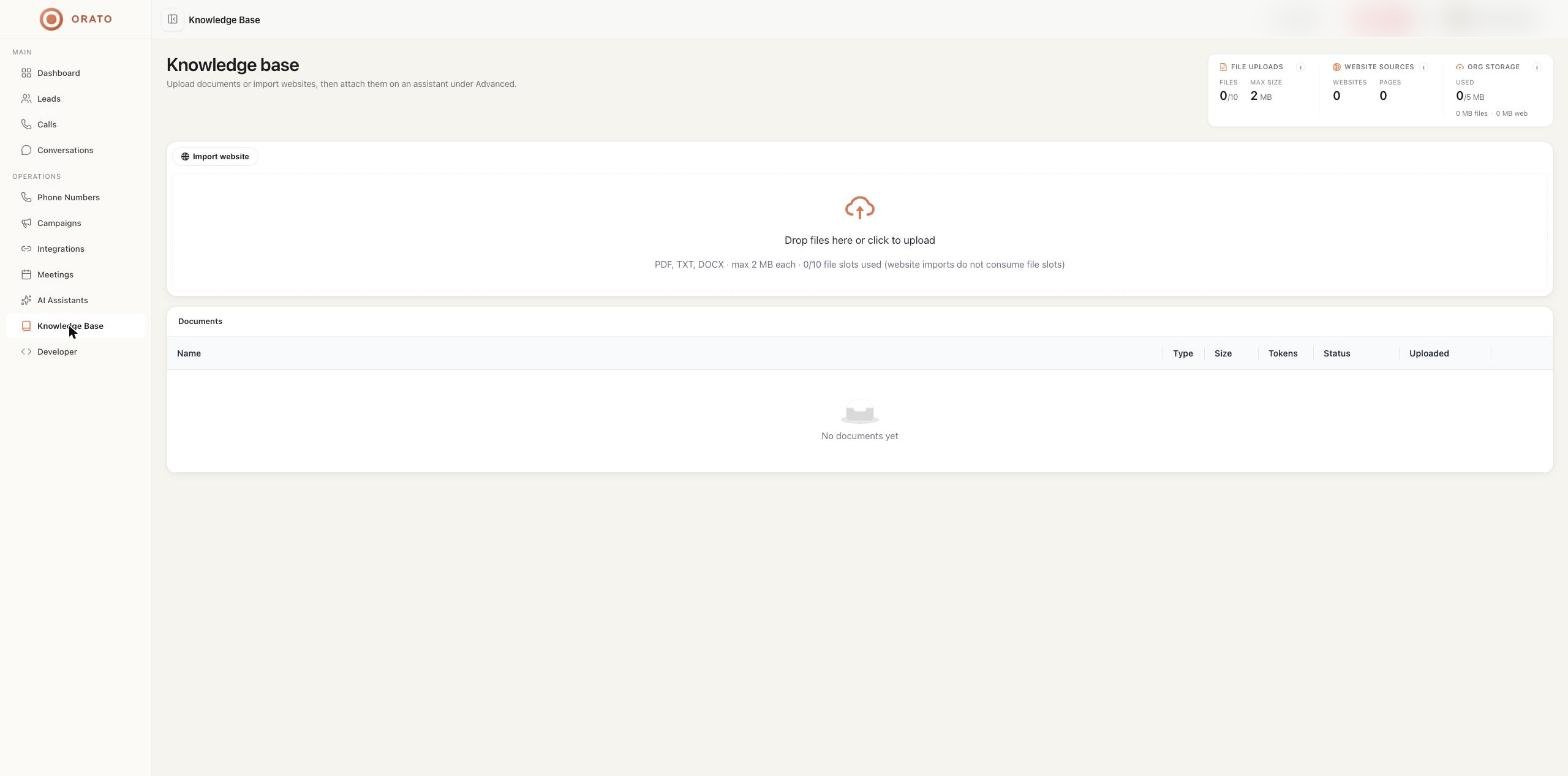
Go to Knowledge Base

Click Knowledge Base in the left sidebar.
2

Upload your file

Either:
  • Drag and drop your file onto the upload area
  • Click the upload area to open a file picker and select your file
Supported formats: PDF, TXT, DOCX  up to 10MB.
3

Wait for processing

After uploading, Orato processes your document, extracting and indexing its content. The status changes from Processing to Ready.
Processing takes a few seconds to a minute, depending on file size. Your assistant can only use documents with a Ready status.
4

Attach to your assistant.

Go to AI Assistants → Edit Assistant → Step 3 (Review) and attach your document in the Knowledge Base section at the bottom.Only documents attached to a specific assistant are used during that assistant’s conversations.

Knowledge Base stats

StatWhat it means
Total DocumentsAll files uploaded to your Knowledge Base
Ready DocumentsFiles fully processed and available to attach to assistants
Total TokensThe combined size of all documents in AI tokens reflects how much context is available.
Tokens reflect how much of your document the AI can hold in context at once. Focused, shorter documents work better than large, generic ones — the AI finds relevant sections faster.

Document table

Each uploaded file shows:
ColumnDescription
NameFilename of the document
TypePDF, TXT, or DOCX
SizeFile size in KB or MB
TokensNumber of AI tokens this document uses
StatusProcessing or Ready
UploadedDate the file was added
ActionsDelete the document

What to upload

Features, specifications, how things work, what’s included in each plan. Your assistant can answer product questions accurately instead of making things up.
Pricing sheets, package comparisons, discount structures. Your assistant quotes accurate prices on sales calls.
Your most common customer questions and their answers. Upload as a TXT or DOCX with clear question/answer structure.
Return policies, SLAs, onboarding processes, compliance requirements — anything that needs to be answered accurately and consistently.
Proven sales scripts, objection-handling guides, or closing frameworks. Your assistant uses them as reference to stay on message during calls.

Best practices

Keep documents focused. A 2-page product FAQ works better than a 50-page company handbook. The more targeted the content, the more accurately your assistant retrieves the right information.
Use clear headings. Documents with section headings (H1, H2) are easier for the AI to navigate. Use headings like “Pricing”, “Refund Policy”, “How it works”.
Never upload sensitive personal data. The Knowledge Base is for business and product context only. Do not upload files containing customer PII, passwords, internal financial data, or confidential personal information.

Next steps

AI Assistants

Attach your document to an assistant in the Review step

Campaigns

Launch a campaign with your knowledge-enabled assistant