Overview

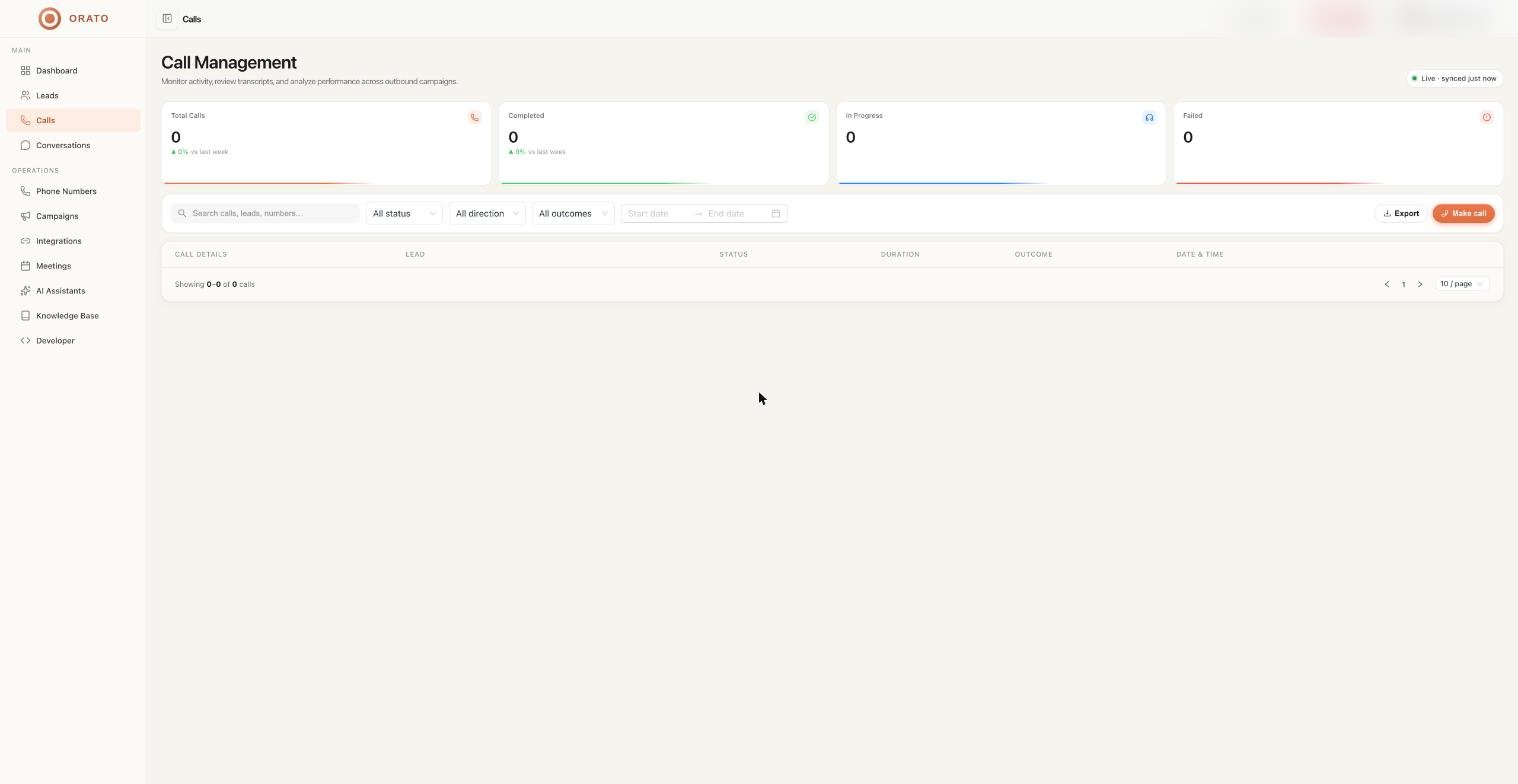
The Calls section is your central log of every call made or received by your AI Assistants. Track real-time activity, review completed calls, and analyse performance metrics all in one place.
Call
The main dashboard shows:

Successful Calls

Number of calls that connected and completed successfully today

Call Duration

Total minutes of calls made today

Conversion Rate

Percentage of calls that resulted in a qualified lead or desired outcome

Real-time Activity

Live view — calls per minute, active calls right now, and today’s total minutes

Call types

Orato handles two types of calls:
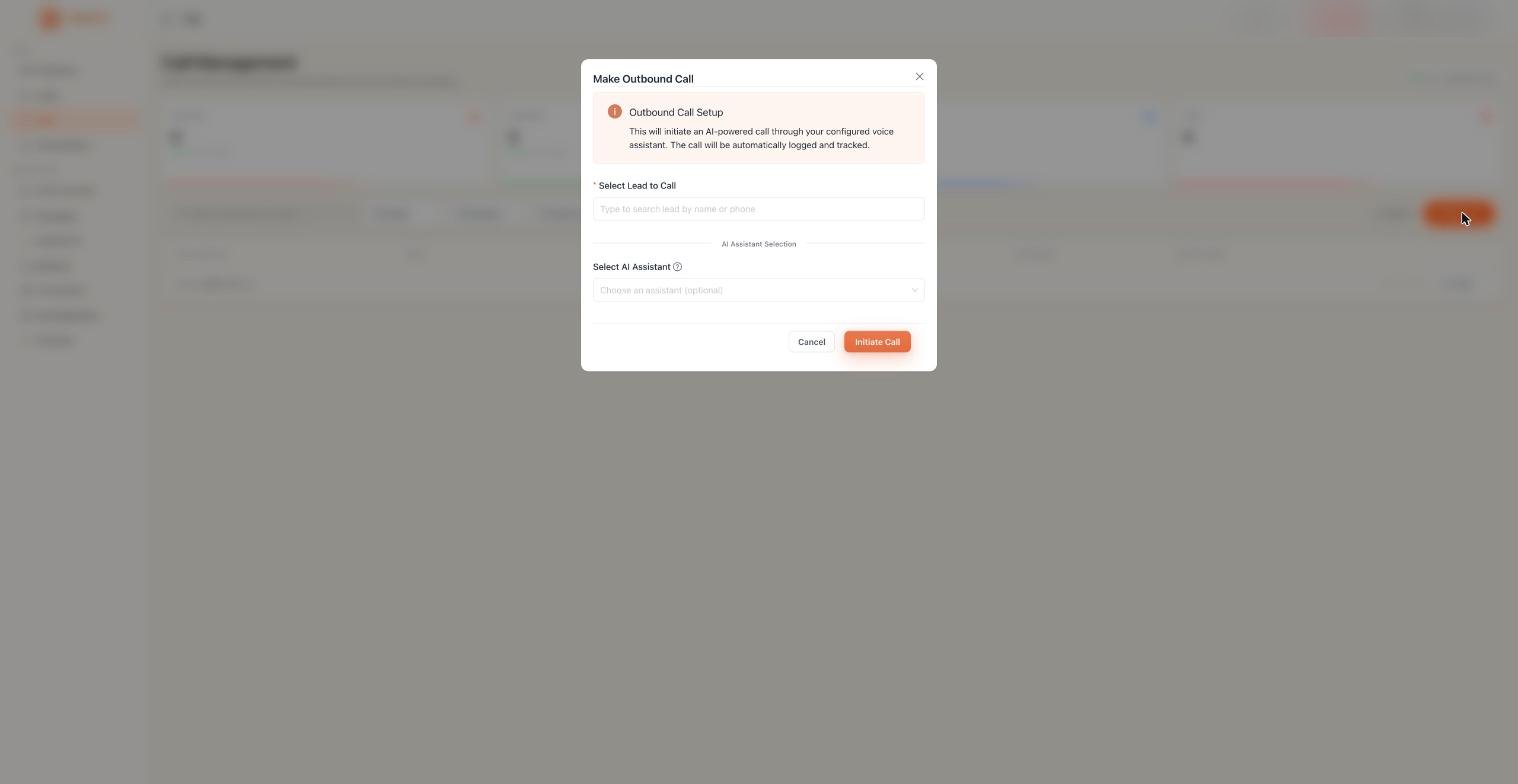
Outbound calls are made by your AI Assistant to contacts in a Lead Batch, triggered through a Campaign.
  • Initiated automatically when a Campaign is running
  • Can also be triggered manually from the dashboard
  • Uses the phone number assigned to the assistant as the caller ID
Common use cases: Lead qualification, appointment reminders, payment follow-ups, sales outreach

Real-time monitoring

The Real-time panel on the dashboard shows live call activity:
MetricWhat it means
Calls/minCurrent call rate - how many calls are being made per minute
Current HourNumber of calls in the current hour
Active CallsCalls connected and in progress right now
Today’s MinutesTotal billable minutes used today
The real-time panel updates live. Use it to monitor active campaigns and ensure calls are progressing as expected.

Monthly call statistics

The monthly stats panel shows a broader view of your calling performance:
MetricDescription
AttemptsTotal call attempts made this month
ConnectedCalls that successfully connected
CompletedCalls that ran to completion
Success RatePercentage of attempts that completed successfully

Call usage and billing

The Call Usage Statistics section shows your consumption against your plan:

Connection Rate

Percentage of call attempts that actually connected to a live person

Connected Calls

Total number of calls that connected (all time)

Billable Minutes

Total minutes consumed — shown with your remaining minute balance

Estimated Cost


Call outcomes

Every call is tagged with an outcome after it ends. View outcome breakdowns in the Call Outcomes chart:
OutcomeMeaning
QualifiedLead met the qualification criteria during the call
Not InterestedLead explicitly declined
No AnswerCall rang but wasn’t picked up
VoicemailCall reached voicemail
BusyLine was busy at time of call
FailedCall could not be connected

Call history

To view individual call records, go to Conversations — where every call has a full transcript, duration, outcome, and recording available.

View Conversations →

Access full transcripts, recordings, and outcomes for every call

Adding funds

Call usage is prepaid. When your balance runs low, click Add Fund in the top navigation bar to top up your account.