Overview

Phone numbers are what your AI Assistants use to make outbound calls and receive inbound calls. You purchase numbers directly through Orato; no third-party telephony provider setup needed.
Phone Number
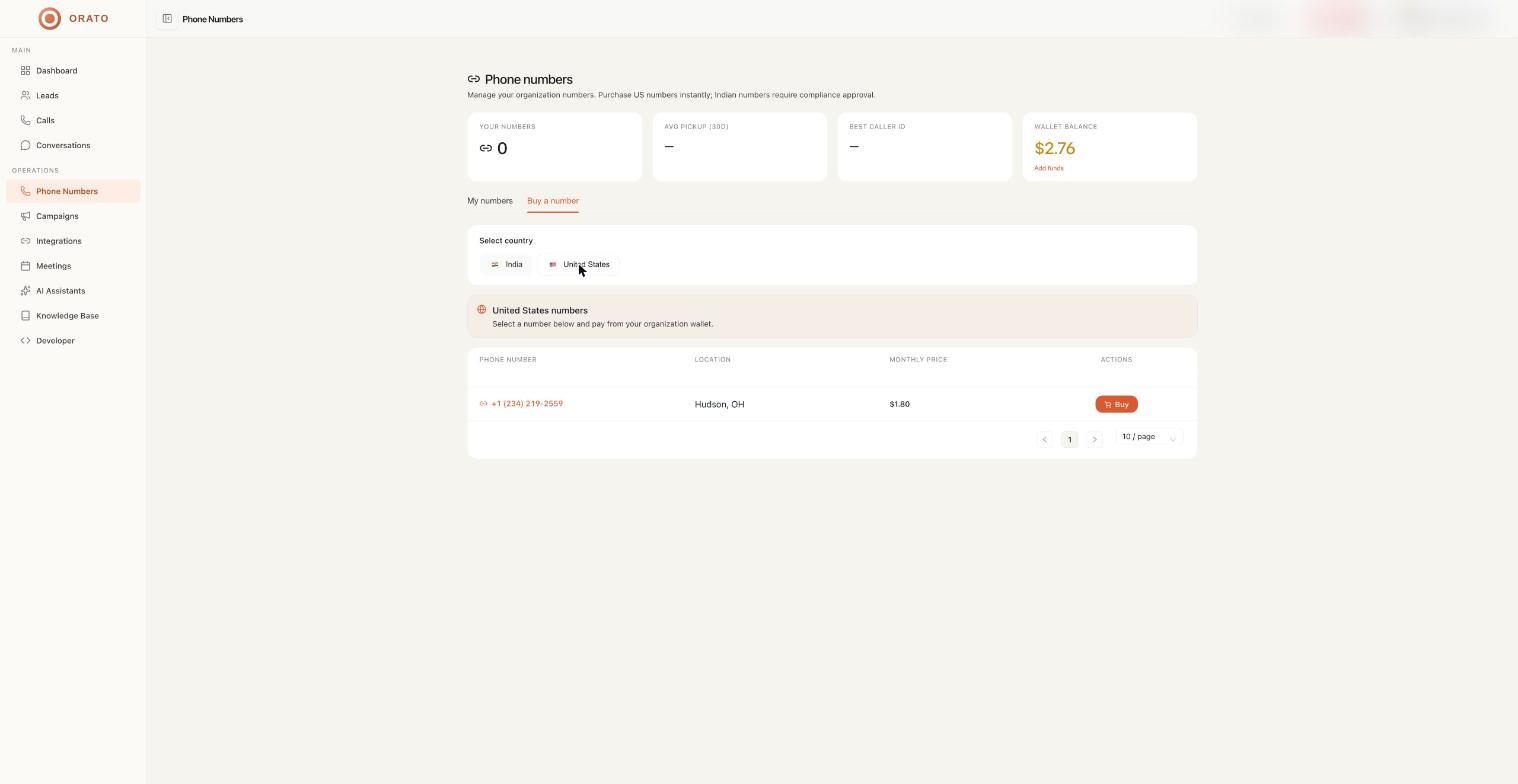
Currently available in:

🇺🇸 United States

Numbers with +1 country code for US-based calling

🇮🇳 India

Numbers with the +91 country code for India-based calling

Buying a phone number

1

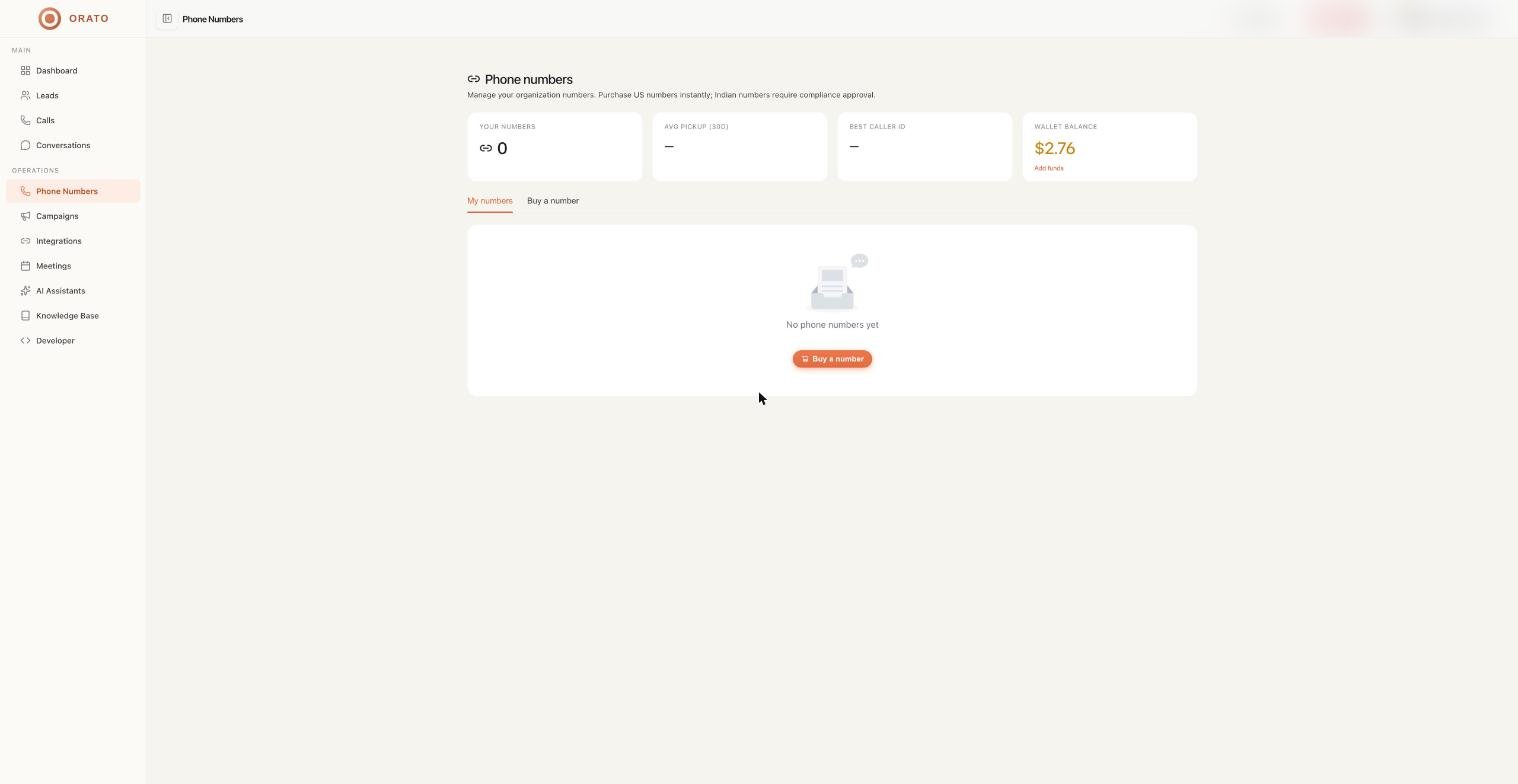
Go to Phone Numbers

Click Phone Numbers in the left sidebar. You’ll see all available numbers with their status and country.Stats at the top show the total available numbers and Countries covered.
2

Click Buy Number

Find a number you want and click Buy Number next to it. This opens the compliance request form.
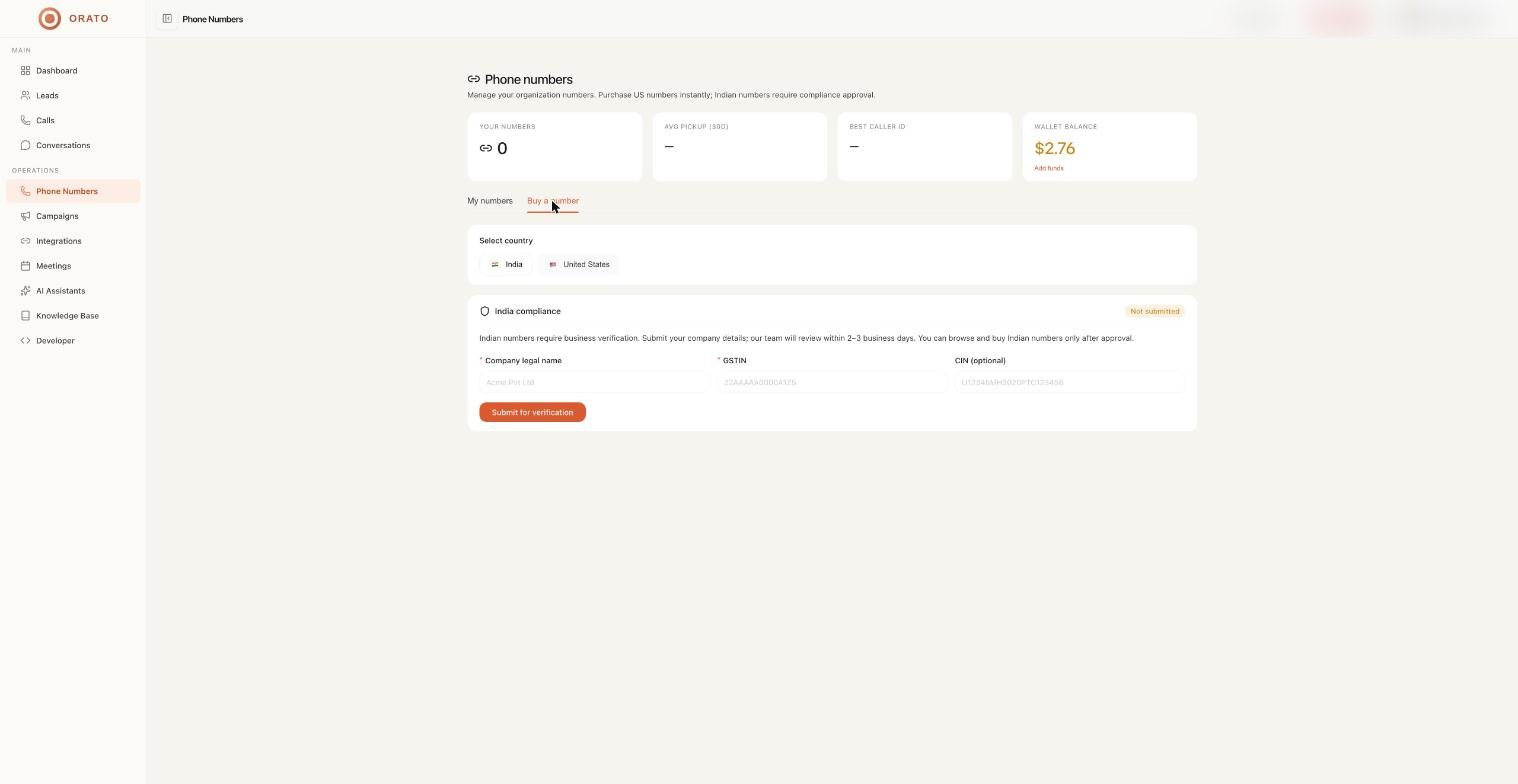
Before any number can be activated, Orato requires a one-time compliance verification to confirm your business identity. This is required by telecom regulations.
3

Submit your compliance request.

Comp
Fill in the compliance form:
FieldDescription
Legal Business NameYour registered company name, e.g., Acme Pvt. Ltd.
Display AliasHow you want to appear, e.g., Acme Support Line
CIN NumberCompany Identification Number
GST NumberYour GST registration number
CountryCountry of business registration
Number TypeType of number being requested
Registration CertificateUpload PDF/PNG/JPEG - max 10MB
GST CertificateUpload PDF/PNG/JPEG - max 10MB
Check the confirmation box and click Submit for Review.
4

Wait for approval

Orato reviews your documents. Once approved, your number is activated and ready to be assigned to an AI Assistant.
Compliance is a one-time process per account. Once approved, you can purchase additional numbers without resubmitting documents.

Compliance tab

Click the Compliance tab on the Phone Numbers page to see all your compliance requests:
StatusMeaning
PendingRequest submitted, currently under review
ApprovedDocuments verified, numbers are available to purchase
RejectedDocuments were not accepted. Resubmit with corrections
If your compliance request is rejected, you’ll receive a reason. Correct the issue in your documents and resubmit via New Compliance Request.

Assigning a number to an assistant

Once you have an active phone number, connect it to an AI Assistant:
  1. Go to AI Assistants and open the assistant you want to use for calls
  2. In the Setup step, select your phone number in the telephony settings
  3. Save the assistant
Your assistant will now use that number for all inbound and outbound calls.

Next steps

AI Assistants

Assign your number to an AI Assistant

Campaigns

Start making outbound calls with your number

Calls

Monitor call activity and billing

Conversations

Review call transcripts and outcomes